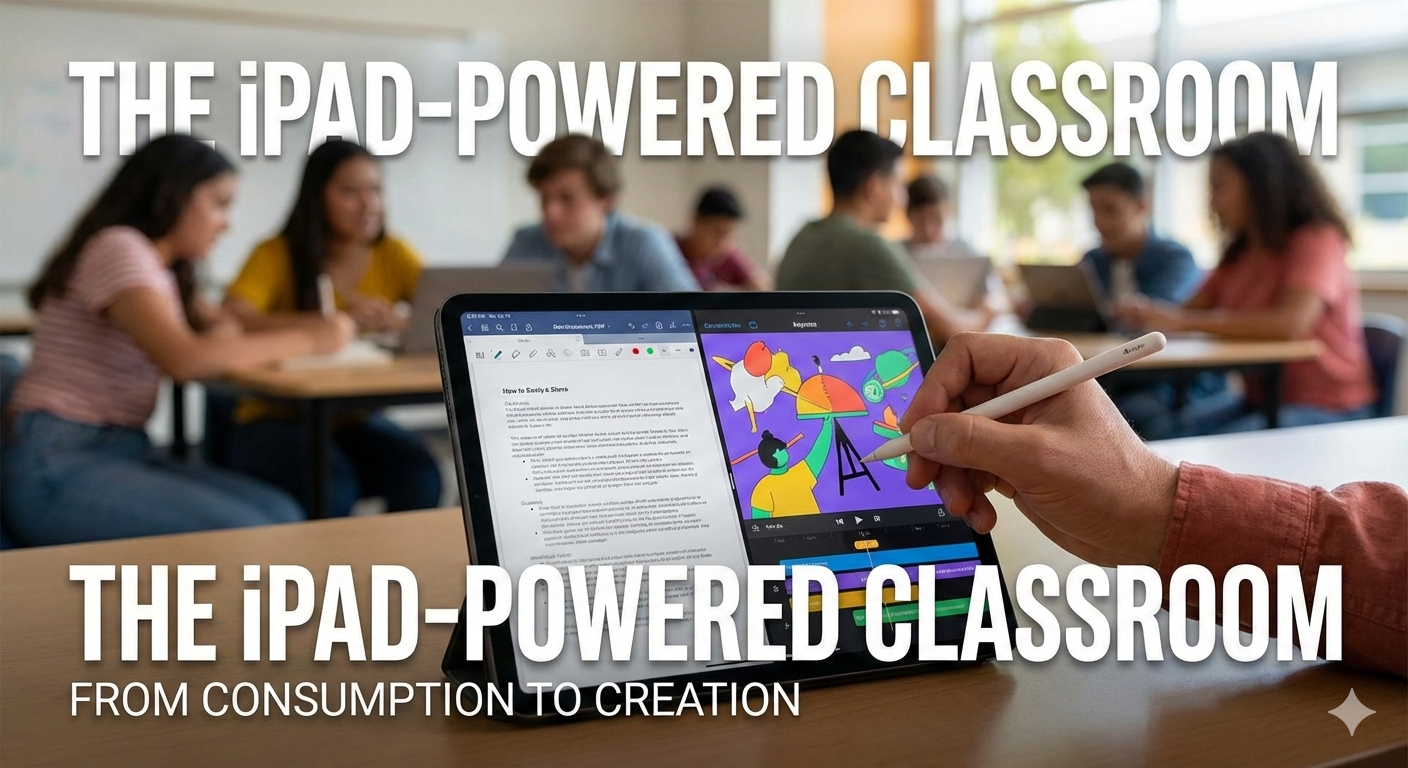
The iPad-Powered Classroom: From Consumption to Creation
Categories: Education
Wishlist Share
Share Course
Page Link
Share On Social Media

About Course

This course is designed to transform the iPad from a simple tablet into a central hub for teaching, creativity, and classroom management. Rather than focusing on “cool apps,” we prioritize pedagogy-first integration.

Teachers will move beyond using iPads for passive consumption (like watching videos or reading PDFs) and learn how to facilitate high-level student creation. By the end of this course, educators will have a personalized digital workflow that saves time on grading and administrative tasks while fostering a more interactive and inclusive environment for their students.

What Will You Learn?

  • Efficiency & Workflow: Master multitasking features (Split View, Slide Over) and "Classroom" app management to monitor student screens and keep everyone on task.
  • The Creative Suite: Learn to use native Apple tools like Keynote for interactive presentations, Clips for quick instructional videos, and Pages for digital journals.
  • Accessibility & Inclusion: Discover how to use Speak Screen, Dictation, and Guided Access to support students with diverse learning needs and English Language Learners (ELL).
  • Feedback & Assessment: Implement paperless grading workflows using the Apple Pencil for handwritten annotations and audio feedback for more personalized student evaluations.

Course Content

Module 1: Mastering the Teacher Workflow
Goal: To help teachers reclaim time and manage a classroom of devices without stress. The Power User Interface: Mastering Control Center customization, Spotlight Search for instant app launching, and the Dock for quick access. Multitasking for Productivity: Using Split View and Slide Over to have a lesson plan open on one side and a grade book or presentation on the other. Apple Classroom 101: How to remotely launch apps on student devices, lock screens for "eyes on me" moments, and view student screens in real-time to ensure they are on task. AirPlay Mastery: Using the iPad as a mobile whiteboard by mirroring to a projector while walking around the room.

Module 2: The iPad as a Creative Studio
Goal: Moving students from "consumers" (watching videos) to "creators" (making media). Interactive Presentations with Keynote: Beyond slides—using Magic Move to create animations that explain complex scientific or historical processes. Digital Storytelling with Clips & iMovie: Teaching students to create "Reflection Videos" or news reports to demonstrate their understanding of a topic. Collaborative Brainstorming with Freeform: Using the infinite canvas for group mind-mapping, mood boards, and real-time project planning. The Digital Notebook: Using Pages to create "Smart Books" that include text, audio recordings, and hand-drawn illustrations.

Module 3: Personalization & Universal Design (UDL)
Goal: Leveraging built-in features to support students with diverse learning needs and styles. Reading & Writing Support: Setting up Speak Selection and Dictation to help students with dyslexia or those learning English. Vision & Hearing Tools: Utilizing Magnifier, Live Captions, and Color Filters to make content accessible to every student in the room. Focus Tools: Using Guided Access to "lock" a student into a specific app during an exam or a high-focus activity to minimize distractions. The Apple Pencil Advantage: How handwriting notes (Scribble) improves retention and allows for non-linear thinking.

Module 4: Digital Assessment & Meaningful Feedback
Goal: Streamlining the grading process and providing feedback that students actually use. The Paperless Workflow: Integrating the iPad with your Learning Management System (Google Classroom, Canvas, or Seesaw) to distribute and collect assignments digitally. Annotation & Markup: Using the Apple Pencil to provide handwritten feedback on digital PDFs, making it feel personal while staying organized. Audio & Video Feedback: Recording quick voice memos or screen recordings of a student's work to provide deeper, more nuanced feedback than a red pen can offer. Real-Time Formative Assessment: Using iPad-native tools and "Exit Ticket" templates to gauge class understanding in the final five minutes of a lesson.

Student Ratings & Reviews

No Review Yet
No Review Yet